Place your order
Pick a file. We wrap it up and print your pickup number.
 Hot Potato
Send a file straight from your browser to theirs. It passes through our kitchen window and out the other side. We never keep a copy.
No account needed. You both keep the tab open while it sends.
No leftovers
Served live
Three steps. No account, no inbox, nothing left behind.
Pick a file. We wrap it up and print your pickup number.
Send the number, the link or the QR code to the person who should get the file.
They accept, and the file streams across while both tabs stay open.
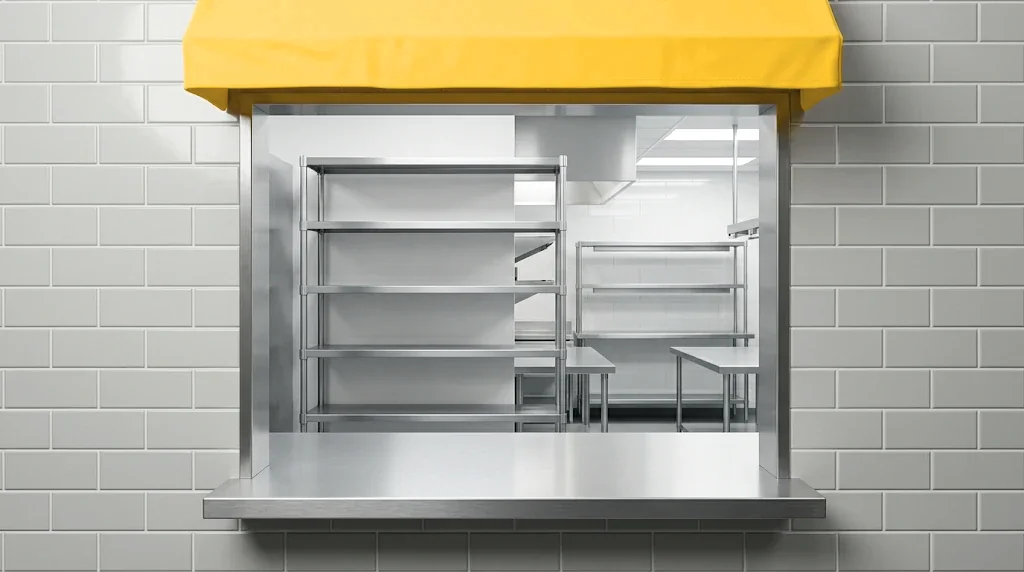
Nothing on the shelf
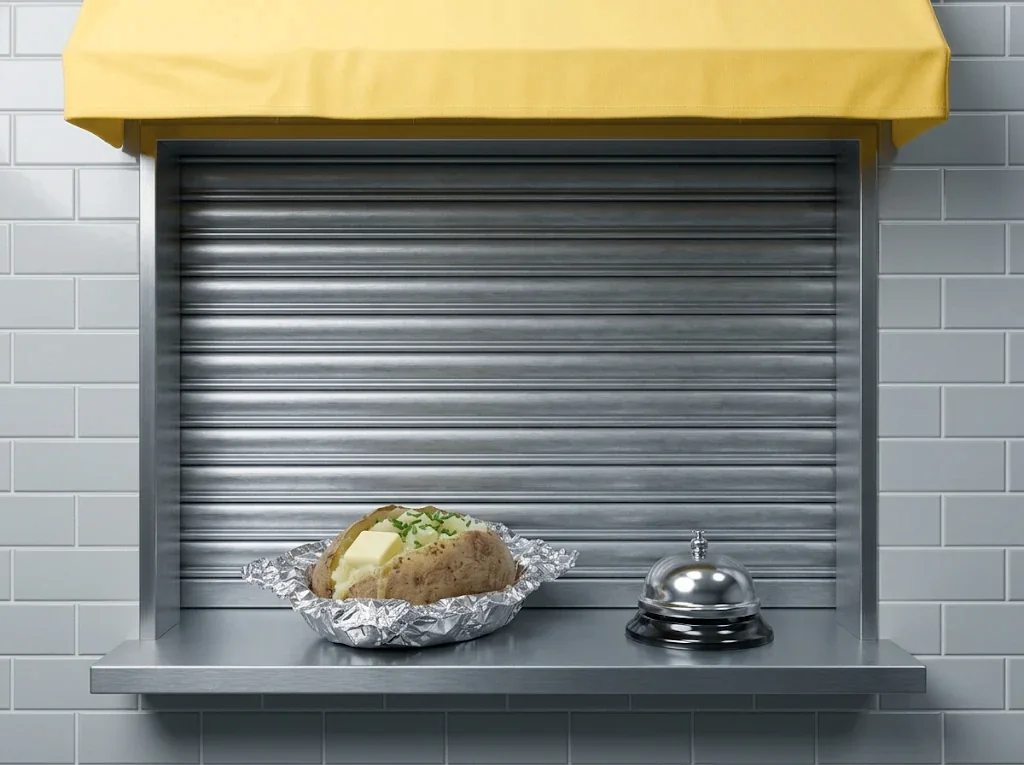
Tab closed
Hot Potato has no fridge and no shelf. Your file passes through our server in small pieces and goes straight out the other side.
We pass the data on as it arrives. Nothing is saved on our server.
If either of you closes the tab, the transfer stops right there. There’s nothing left to reheat later.
The connection is encrypted (TLS), so nobody on the network can read along. It is not end-to-end encrypted: our server passes the data on, but never keeps it.
Straight answers, no garnish.
Up to 2 GB per file. In Chrome and Edge on a computer, the file goes straight into the place the receiver picks. Other browsers hold it in memory until it’s complete, so very large files can be slow or fail there.
One file per order. To send several, zip them into one first.
The transfer stops right away, for both of you. Nothing is saved anywhere, so there’s nothing to resume. You’ll need a new pickup number to try again.
Keep both tabs open until you see “Order up!”.
Only the person who uses your pickup number first. Each number works for one pickup, then it’s used up. Share it only with the person you mean.
On the way, the file is encrypted (TLS) and passes through our server without being saved. It is not end-to-end encrypted.
Yes. Hot Potato hands the file over live, so the sender’s tab has to stay open until the receiver has all of it. There’s no inbox to come back to later.